Say What You Want to Change
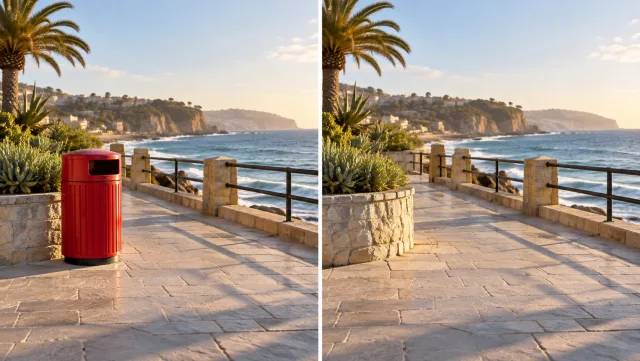
Describe one focused edit, such as changing an object’s appearance or revising the setting. Identify the subject and its position so the request is easy to understand.

Edit a video with plain-language instructions in Veo3. Upload a source clip, describe a focused change, and generate a revised scene to review and download.
Edit Your Video
Describe one focused edit, such as changing an object’s appearance or revising the setting. Identify the subject and its position so the request is easy to understand.
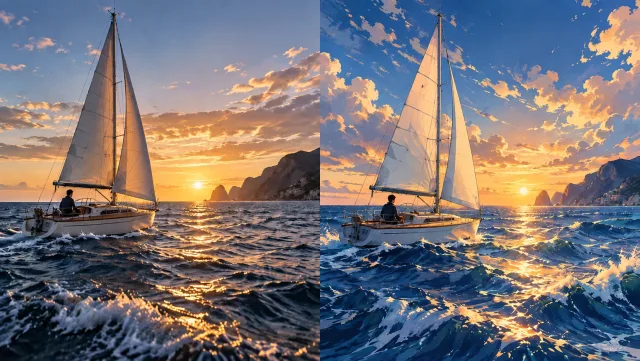
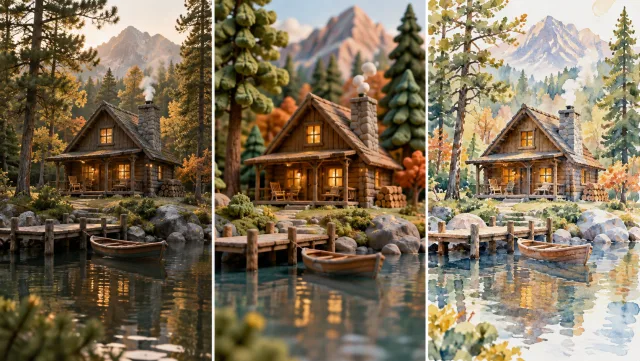
The uploaded clip supplies the visual reference for the edit. Include what should stay consistent in your direction and compare the generated sequence with your source.
A short existing clip can become a starting point for a new creative direction. Use the result to test a scene treatment or develop an insert for a larger edit.
Check whether the requested change holds across moving frames. Inspect faces, object edges, shadows and any lettering before choosing a result.
Try a focused visual change to a clip you already have.
Test a new scene detail or environment before planning another shoot.
Communicate an idea through a generated revision of a reference shot.
Select the usable part of a generated edit and finish it in your timeline.
Choose a compatible model and upload the video you want to transform.
Explain the desired look or edit and what should stay consistent. Check the credit estimate.
Generate, watch for continuity and unwanted changes, and download your selected take.
No. The model regenerates visual content to apply your direction. The workflow uses the source as its timing and framing reference, but faces, textures and motion can still change.
An editing task takes its structure from the uploaded source. The form only exposes settings supported by the selected editing model.
Supported durations and file limits depend on the selected model. Check the form before choosing your source, and start with a short, clear clip for your first test.
This page generates a revised clip from a source video and a text instruction. It does not provide a multitrack timeline or frame-by-frame manual editing tools.
Check the credit estimate in the tool before you generate. The selected model and available settings determine the cost. Your existing Veo3 account and credit balance apply.
No. Upload your source or enter your instructions in the browser, generate online, and download the result from your history.
Start with your next idea, review the generated result, and bring the version you prefer into your project.
Edit Your Video