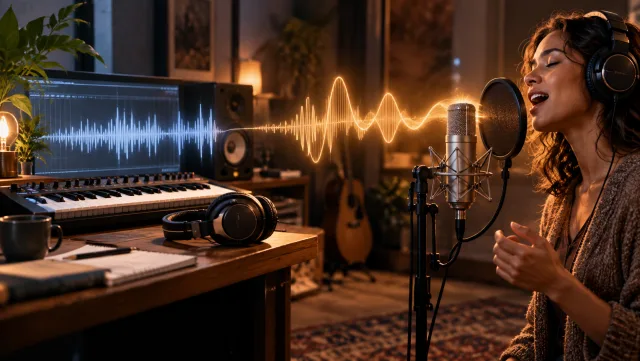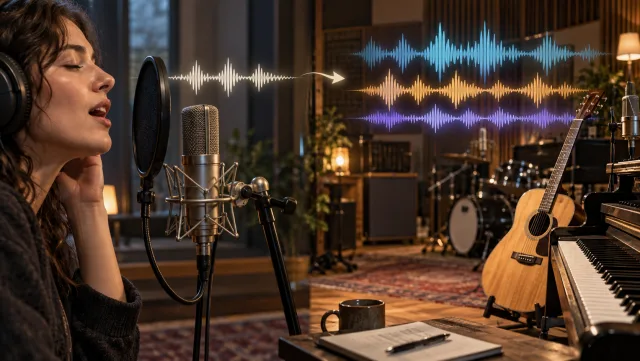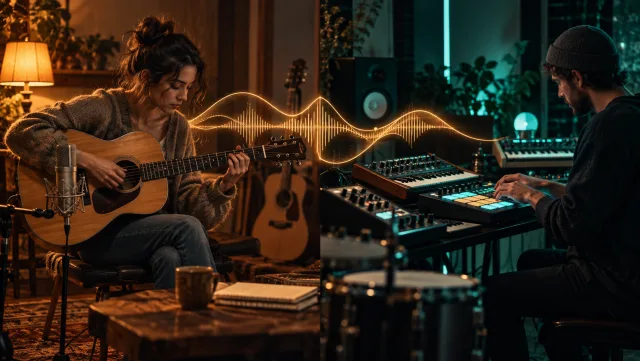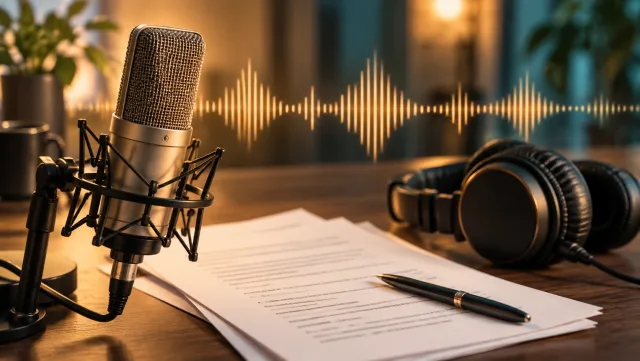
Begin with Mood, Genre and Instruments
Describe the music you want to hear: a relaxed acoustic arrangement, bright electronic pulse or intimate piano piece. A focused brief gives the generation a clearer direction.
Create music from a text description with Veo3. Describe the mood and style, choose a song or instrumental, and generate a track to preview and download.
Create Your Music
Describe the music you want to hear: a relaxed acoustic arrangement, bright electronic pulse or intimate piano piece. A focused brief gives the generation a clearer direction.
Create a song idea or switch to instrumental when you want music without singing. Use the choice that fits the role of the track in your video, presentation or listening project.
Add a title and style to use the lyrics workflow. Write the words you want sung and keep the style direction in its own field. Without that pairing, the main input works as a music brief.
Preview the complete result, checking the opening, transitions and ending. Download the version that fits your project and trim or mix it in your audio editor.
Explore music that matches the mood of a short visual sequence.
Hear a generated interpretation of a lyric or musical brief.
Compare instrumental ideas for an introduction or concept presentation.
Experiment with genre, instrumentation and atmosphere in a browser.
Write a focused brief, or add a title and style to provide your own lyrics.
Select song or instrumental and review the credit estimate.
Play the complete track, compare the available results, and download your choice.
Yes. Choose the instrumental option when you want a track without singing.
Yes. Add a title and style to use the lyrics workflow, then enter the words in the main text field.
This page starts from text. Use Restyle a Song for a source track, Add Vocals for an instrumental, or Add Backing to Vocals for a vocal recording.
The workflow returns generated audio to preview and download. Use your audio editor for detailed mixing, stem editing or final mastering.
Check the credit estimate in the tool before you generate. The selected model and available settings determine the cost. Your existing Veo3 account and credit balance apply.
No. Upload your source or enter your instructions in the browser, generate online, and download the result from your history.
Start with your next idea, review the generated result, and bring the version you prefer into your project.
Create Your Music