
Start with the Garment You Want to Show
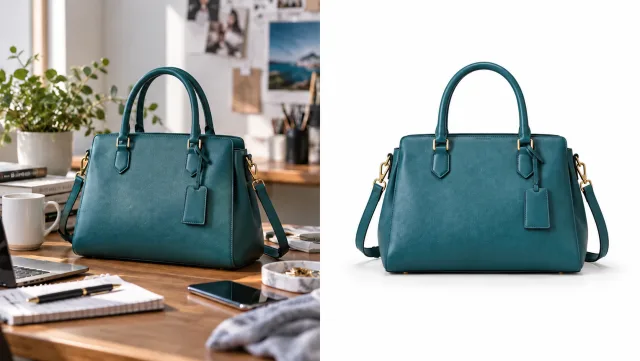
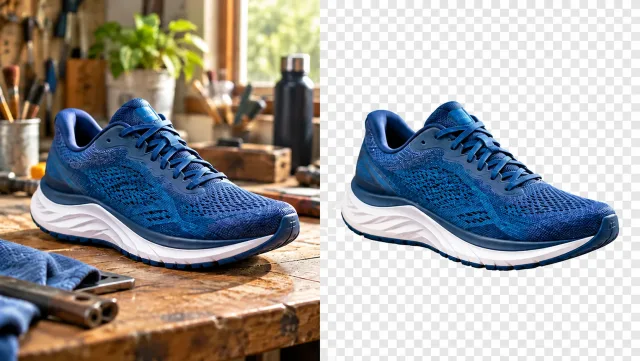
Upload the clothing reference so the AI can use its color, pattern, cut and material. A clear, unobstructed garment image gives the model more useful information than a written style name.
Try On an Outfit
Try a garment on a model with Veo3 AI Clothes Changer. Upload a clothing photo, choose a model, and visualize an outfit with realistic fabric and lighting.
Try On an Outfit
Upload the clothing reference so the AI can use its color, pattern, cut and material. A clear, unobstructed garment image gives the model more useful information than a written style name.
Try On an Outfit
Select a person from the model gallery. The edit aims to retain their face, pose and body shape while changing the relevant clothing. Check hands, collars and overlapping layers in the result.
Try On an Outfit
Combine a garment with a selected model to develop a product visual or styling idea. Compare seams, logos and fabric details against the reference before selecting an image for a collection.
Try On an Outfit
Use the output to compare an outfit in context. The result is a generated visualization; it does not measure garment size, fit or comfort on the person.
Try On an OutfitShopsPrepare an initial fashion visual and inspect product accuracy before using it in a listing.
StylistsSee how a chosen garment reads with a model’s pose and existing accessories.
CreatorsUse a generated outfit reference to communicate wardrobe ideas before taking new photos.
DesignersTry a garment reference with the available model options.
Upload a clear reference image of the clothing you want to try.
Select a person from the model gallery and review framing and background options.
Check the credit estimate, generate, and compare the garment and face with their references.
Yes. Upload your garment image and choose a person from the model gallery. Use a clear clothing reference so the AI can see the details you want to keep.
No. AI creates a visual try-on concept. It cannot establish physical size, fit or comfort.
The instructions aim to preserve them, but generated edits can change details. Compare the person, fabric, labels and seams with the references.
Check the credit estimate in the tool before you generate. The selected model and available settings determine the cost. Your existing Veo3 account and credit balance apply.
No. Upload your source or enter your instructions in the browser, generate online, and download the result from your history.
Start with your next idea, review the generated result, and bring the version you prefer into your project.
Try On an Outfit