AI Image Layer Split: Common Questions
What does AI Image Layer Split do?+
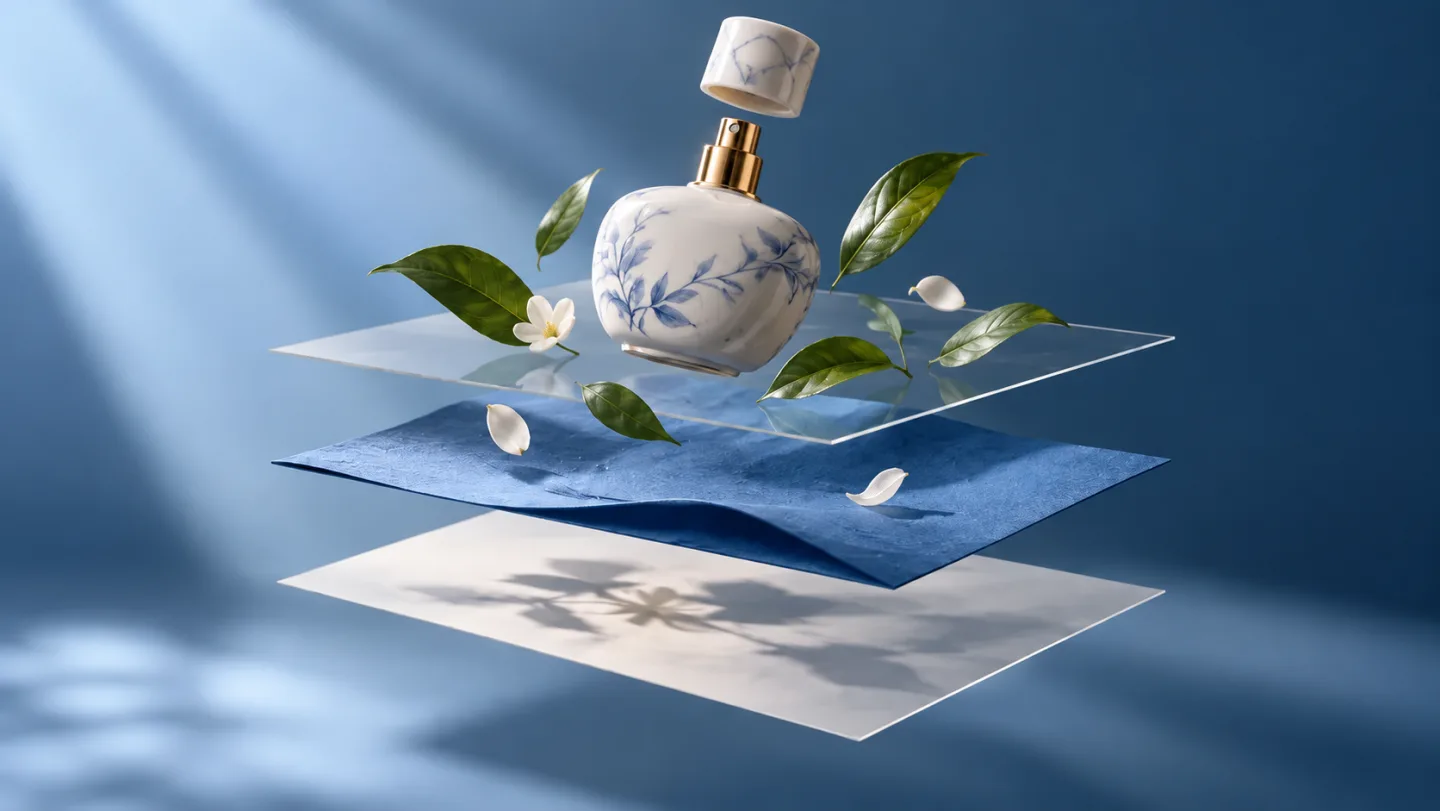
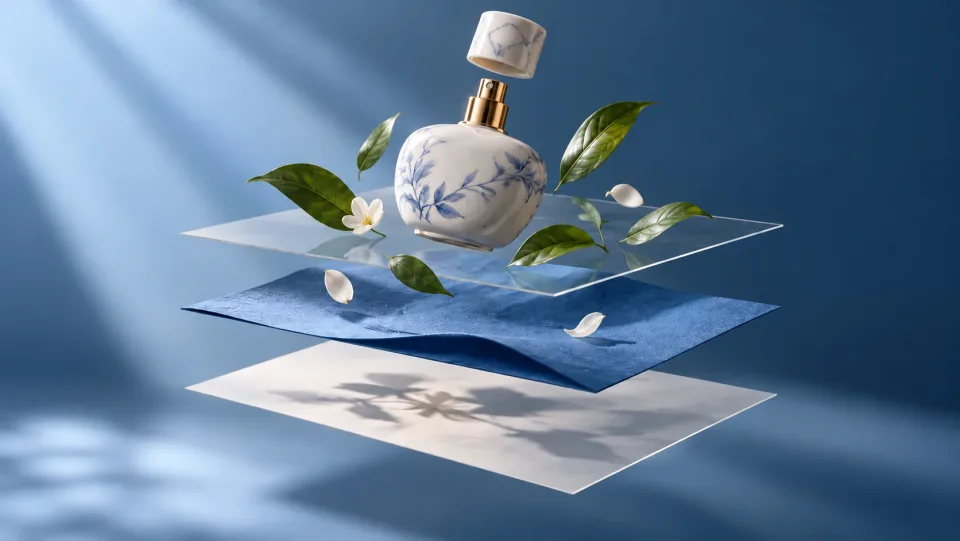
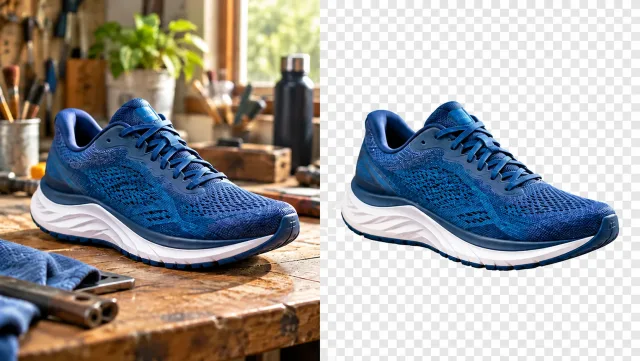
Separate a flat image into reusable visual layers with Veo3. Extract elements from product compositions, illustrations and artwork for your next design.
Does image layer splitting recover the original design file?+
No. AI estimates layers from the visible image. It cannot recover the original editing history, hidden content or exact layer structure of a source design file.
Which images are a good starting point?+
Choose a clear composition with distinguishable subjects and backgrounds. Small text, translucent objects and heavily overlapping elements are harder to separate cleanly.
How do I get started?+
Upload one image containing the elements you want to separate. Review the displayed credit cost and start the layer split. Inspect the generated layers in the result view and download the elements you need.
How much does it cost on Veo3?+
This tool uses your Veo3 credits. Check the cost shown in the generator before submitting; the amount depends on the model and settings. Your existing Veo3 plan and credit balance apply.
Are the examples measured results from this tool?+
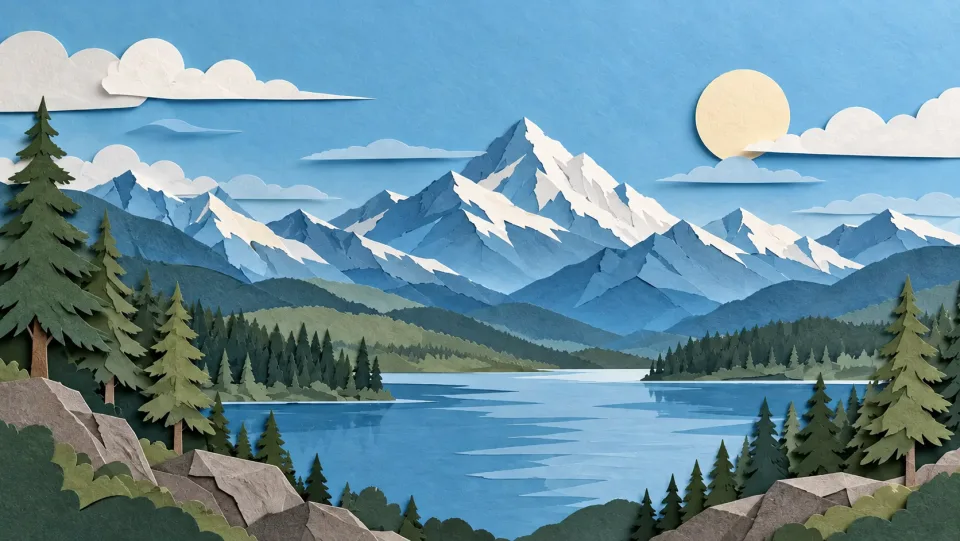
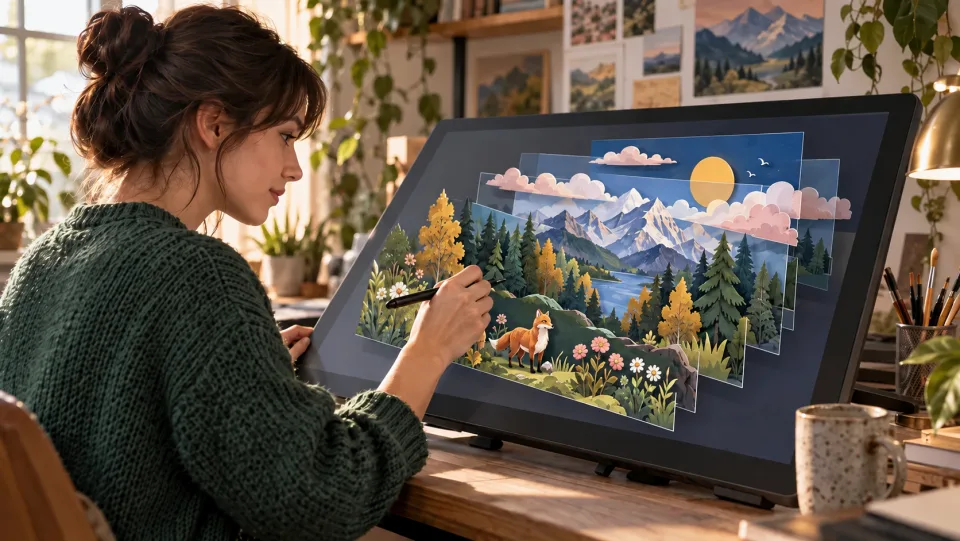
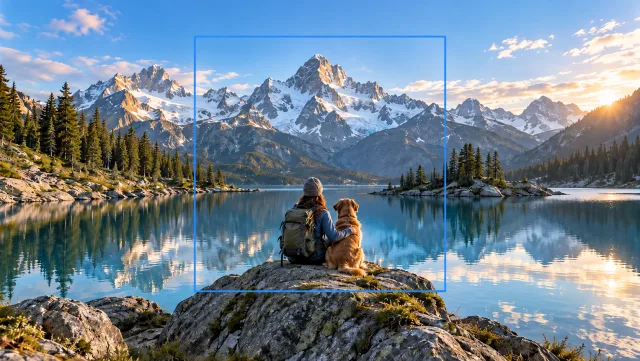
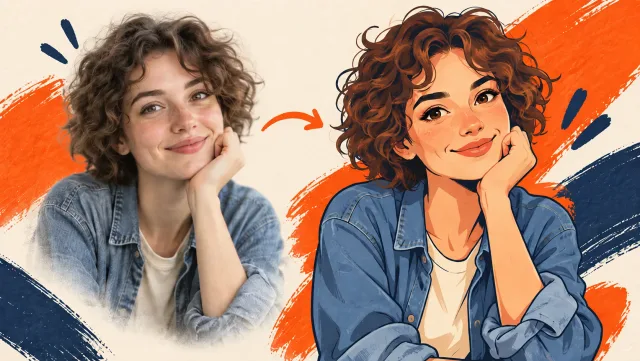
The examples below are AI-generated illustrations of possible uses, not measured outputs from this tool. Your result depends on the source image and generation settings.
What should I check before using the result?+
Compare the output with your original at full size. Inspect faces, text, edges and important details, and make sure you have the rights to edit and publish the image.