Photo to Cartoon AI

Image

Upload 1 image

Credits: -
Cost: 1 ⚡
Explore Examples

Photo to Cartoon AI

Illustrative preview
Veo3 Tools

Photo to Cartoon AI: Turn Pictures into Illustrations

Turn a photo into a 2D cartoon with Veo3. Create bold outlines and clean cel shading while using your original faces, poses and composition as the reference.

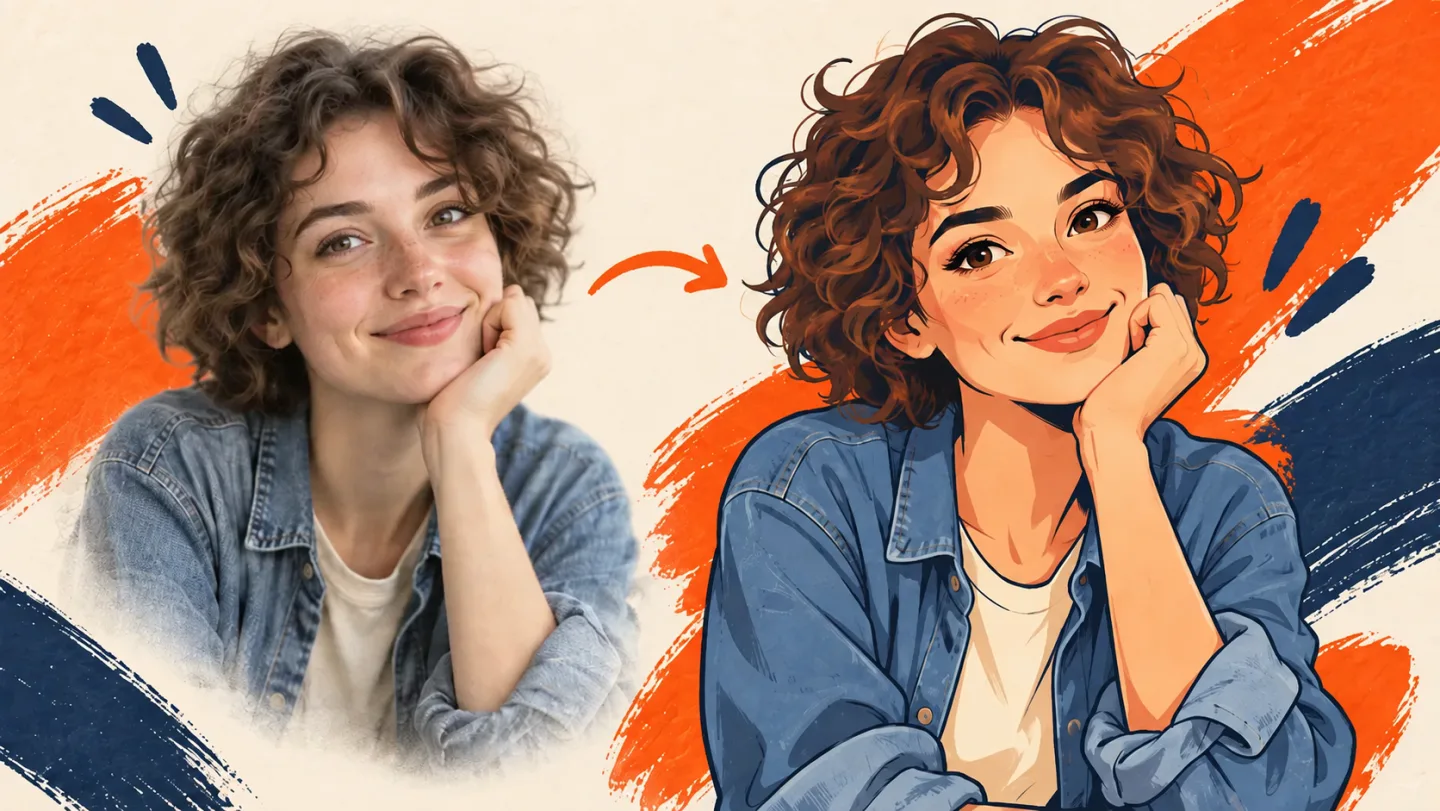
Turn a Photo into a Cartoon
A curly-haired woman's portrait beside an original cartoon interpretation
AI-generated illustration. Actual results depend on your source and settings.

Create with Photo to Cartoon AI

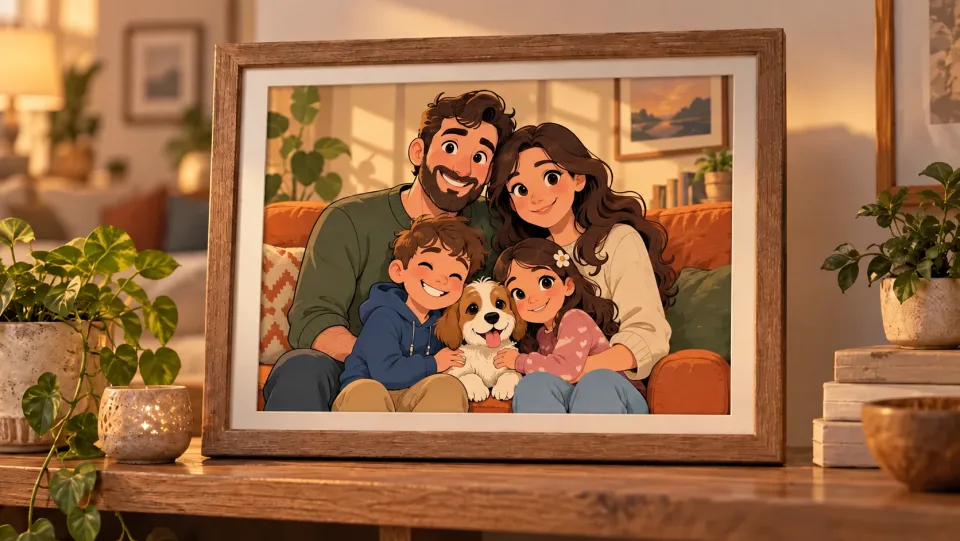
An original cartoon family portrait with a dog in a frame on a living room shelf

Turn a Family Photo into an Illustrated Keepsake

Bring a familiar family moment into a 2D cartoon treatment. Start with a clear group photo, check each face in the result, and download the illustration for a personal print or gift.

Turn a Photo into a Cartoon
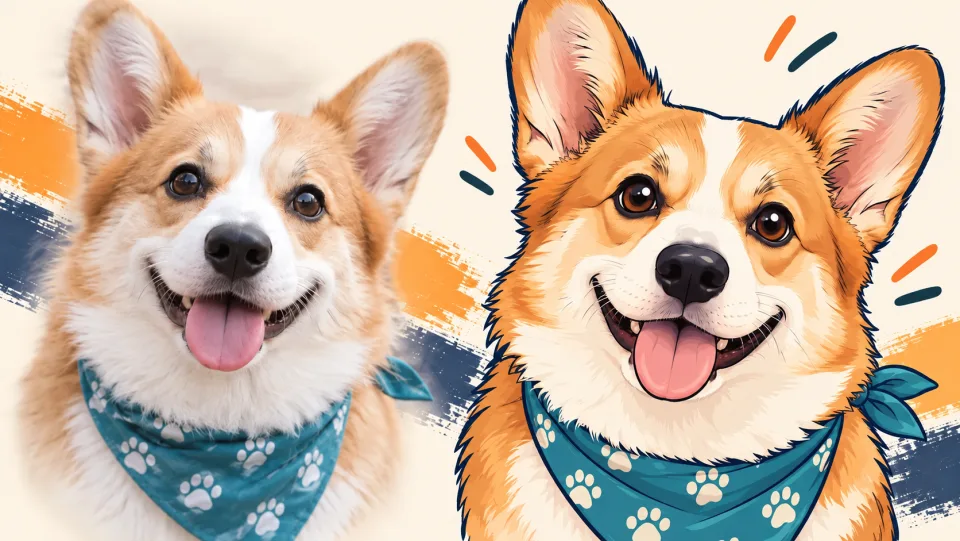
A corgi photograph transformed into a warm cartoon portrait with a teal bandana

Give Your Pet a Cartoon Portrait

Use a sharp pet photo with visible eyes and distinctive markings. The prepared cartoon treatment adds defined outlines and flat shading while taking the original pose and composition as its reference.

Turn a Photo into a Cartoon
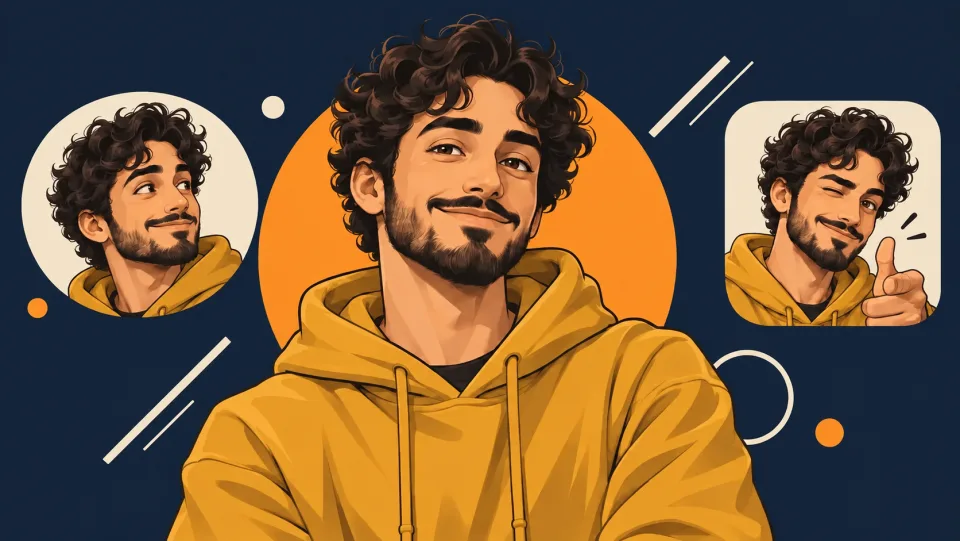
A cartoon creator avatar with curly hair and a mustard hoodie against navy and orange graphics

Create Character References from Photos

Use your own portrait as the starting point for an avatar or personal character. Inspect eyes, hands and small details, then select the version that best represents your intended style.

Turn a Photo into a Cartoon
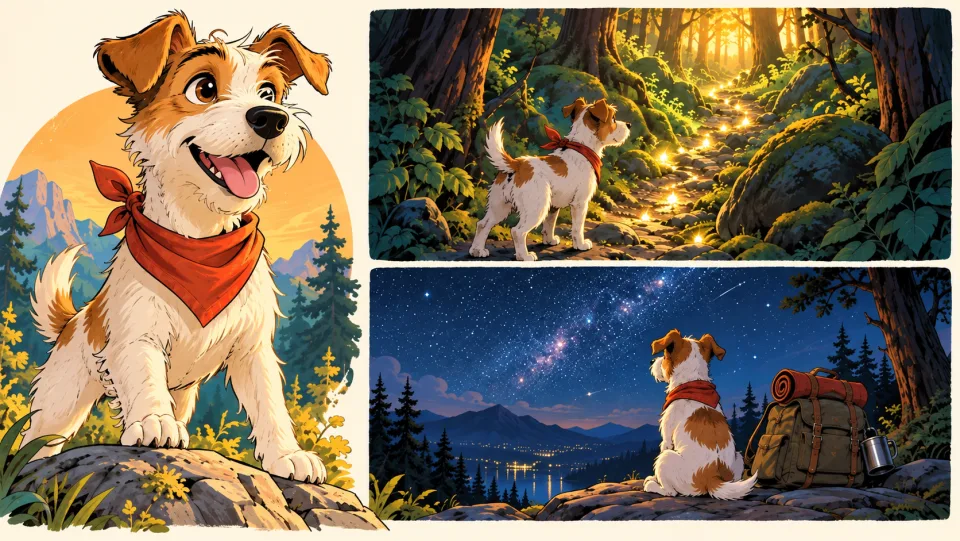
A terrier cartoon character and two illustrated adventure storyboard panels

Explore a Character for Your Next Story

Begin with a photo of a person, pet or setting to develop an illustrated character direction. Use the generated image as a starting point for a storyboard or personal creative project, then add captions in your editor.

Turn a Photo into a Cartoon

Put Photo to Cartoon AI to Work

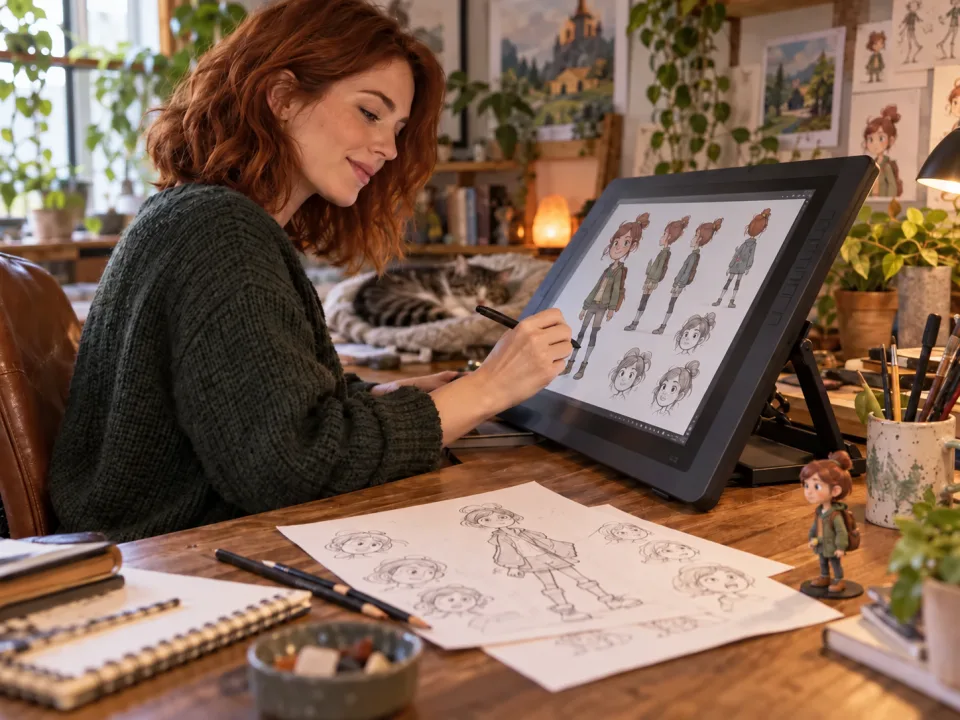
An illustrator developing cartoon characters at a warm creative deskWriters & Illustrators

Develop a Character Idea

Use a photo as the starting reference for an illustrated character, then build on the result in your drawing workflow.
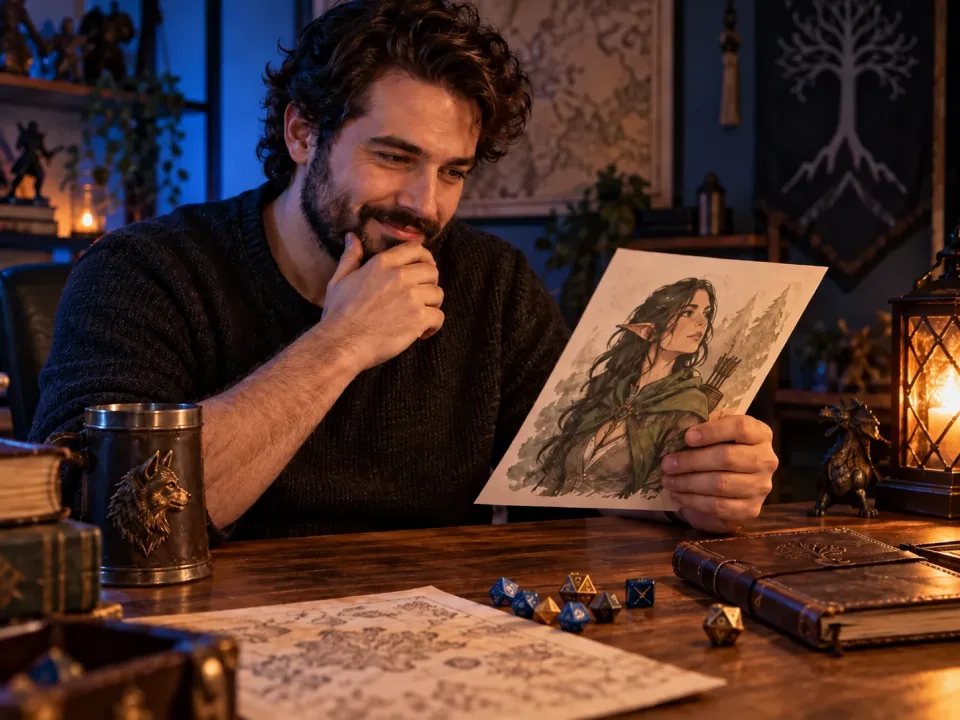
A creative gamer with an illustrated character sheet and tabletop game accessoriesGamers & Role-Players

Create a Personal Character Avatar

Turn a portrait or costume reference into a cartoon image for a character sheet or campaign profile.
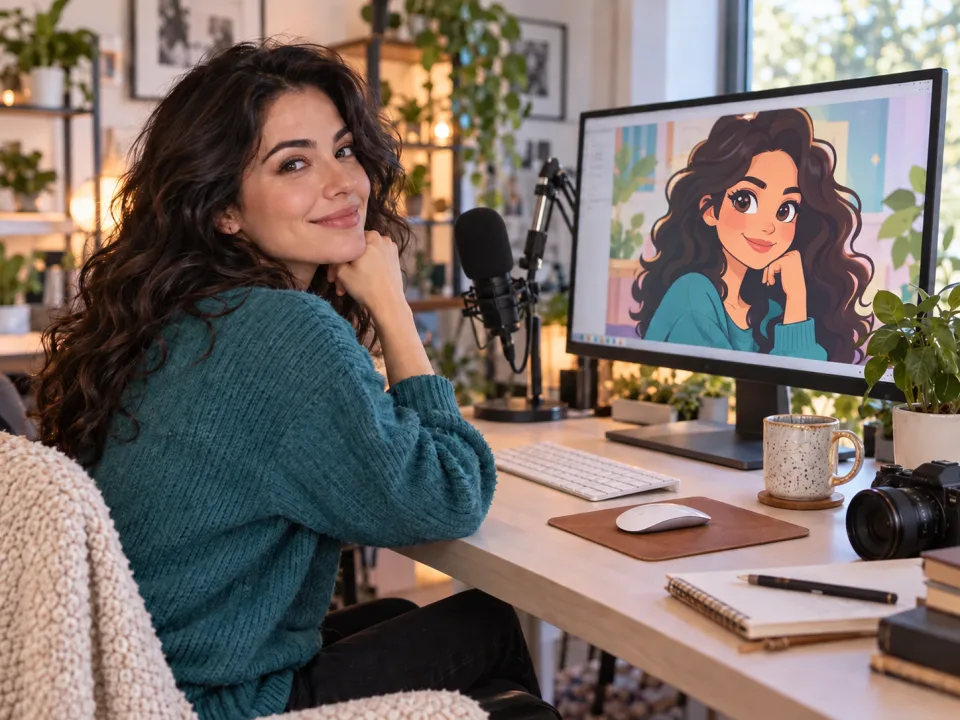
A content creator preparing a cartoon profile portrait at a bright studio deskSocial Creators

Refresh a Profile Picture

Give a clear selfie an illustrated look and check that the face remains recognizable at small display sizes.
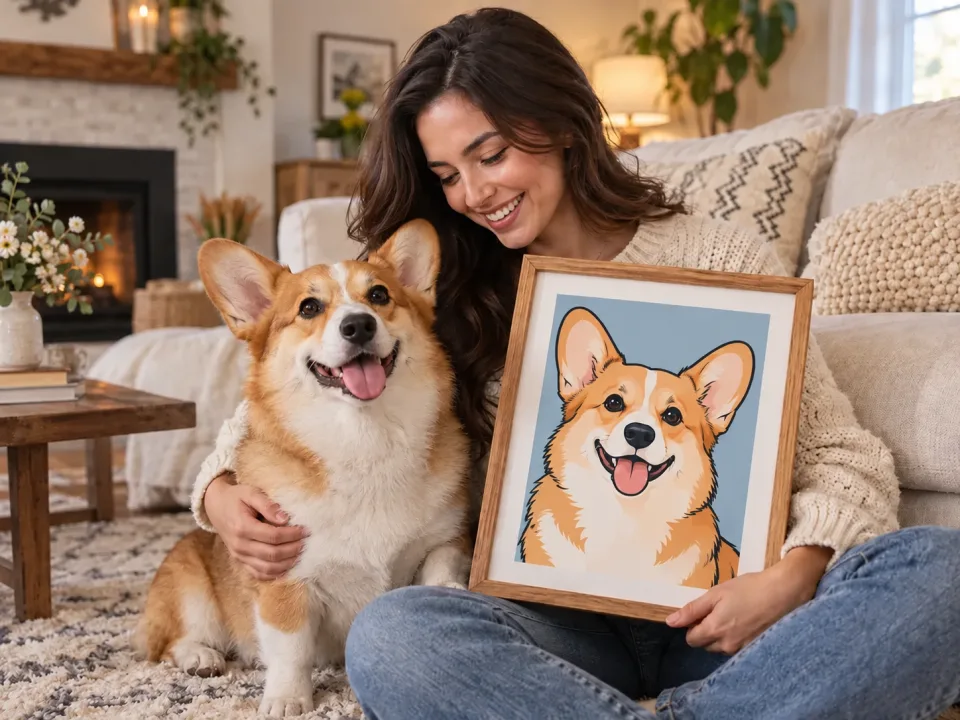
A pet owner displaying a playful illustrated dog portrait in a cozy homePet Owners

Make a Pet Keepsake

Create an illustrated portrait of a familiar pet for a personal print, gift or digital album.

How to Use Photo to Cartoon AI

  1. 1

    Upload a Photo

    Choose a sharp picture with readable faces and a composition you want to keep.

  2. 2

    Generate the Cartoon

    Review the credits and start the automatic 2D cartoon conversion.

  3. 3

    Review and Download

    Check facial details, outlines and background objects before saving the result.

Photo to Cartoon AI FAQs

Can I select anime, watercolor or 3D styles here?

This tool applies a 2D cartoon treatment with bold outlines and cel shading. It does not expose a style preset selector.

Will everyone in a group photo remain recognizable?

The model is asked to keep people and expressions recognizable. Small or obscured faces can change, so inspect each person in the result.

Can I turn a pet or landscape into a cartoon?

Yes. The same photo-to-illustration workflow can be used with a clear pet, object or landscape image.

How much does it cost on Veo3?

Check the credit estimate in the tool before you generate. The selected model and available settings determine the cost. Your existing Veo3 account and credit balance apply.

Do I need to install any software?

No. Upload your source or enter your instructions in the browser, generate online, and download the result from your history.

View Veo3 pricing →

Give Your Photo an Illustrated Second Life

Start with your next idea, review the generated result, and bring the version you prefer into your project.

Turn a Photo into a Cartoon