Video Upscale

Source Video

Upload a video

MP4 / MOV, up to 50 MB.
Settings

Add a source video to see the sizes it can be made into.

Credits: -
Cost: —

Video Upscaler

Preview clip
Veo3 Tools

AI Video Upscaler: Take Your Video up to 4K

Upscale videos to 1080p, 2K or 4K with Veo3. Improve the clarity of existing footage and AI-generated clips while keeping the source framing and timing.

Upscale Your Video
A family seated together, compared in soft and clearer video frames.
AI-generated illustration. Actual results depend on your source and settings.

Create with AI Video Upscaler

A family seated together, compared in soft and clearer video frames.

Prepare Footage for a Larger Screen

A clip that looks fine in a small preview can feel soft on a monitor or TV. Select an output tier that suits the final destination and let AI reconstruct a clearer rendering of the existing frames.

Upscale Your Video
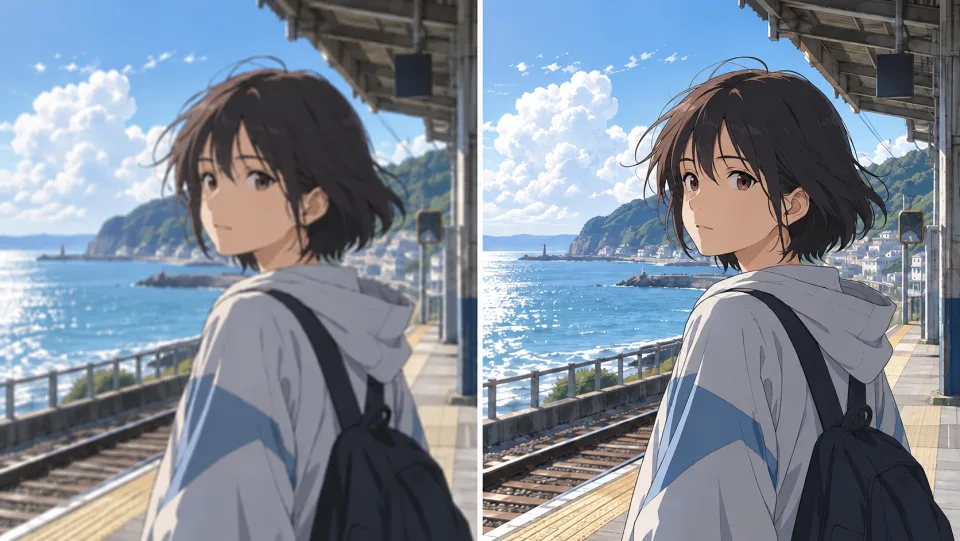
An anime girl at a seaside station, soft and sharp frame comparison.

Bring Anime Frames into Clearer Focus

Use a finished anime or illustrated clip as the source. Compare the output at delivery size, paying attention to outlines, faces and flat-color areas before choosing the enhanced version.

Upscale Your Video
A woman in a dark coat on a city street, before and after clarity comparison.

Review Softness and Compression

An enhanced rendering may make a soft clip easier to view. Compare skin, edges and background textures carefully; heavily blurred sources provide less information, and generated detail can vary.

Upscale Your Video
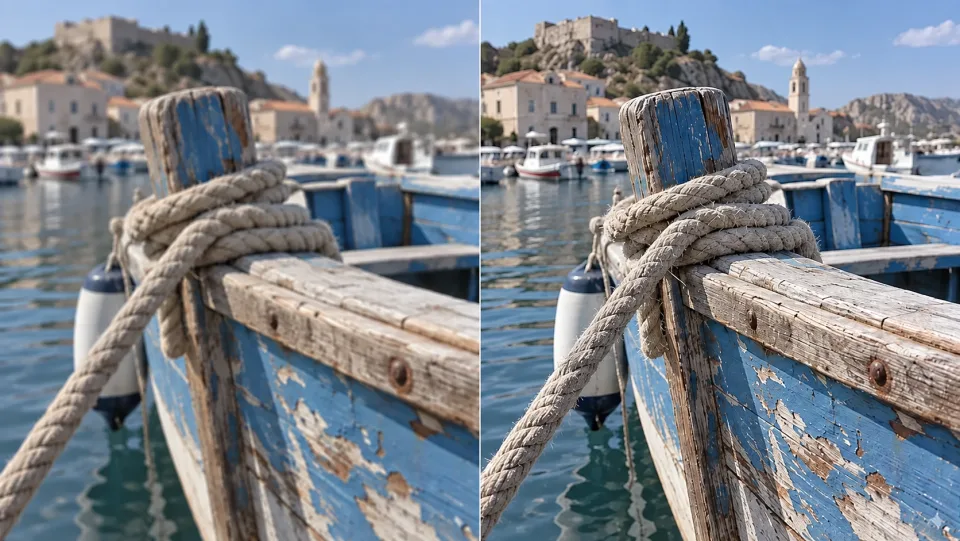
Rope and weathered blue wood on a boat, soft and crisp detail comparison.

Improve Detail with Realistic Expectations

Fine textures and edges may become clearer, but heavily compressed or motion-blurred sources contain less information to work with. Upload the best-quality master available.

Upscale Your Video

Put AI Video Upscaler to Work

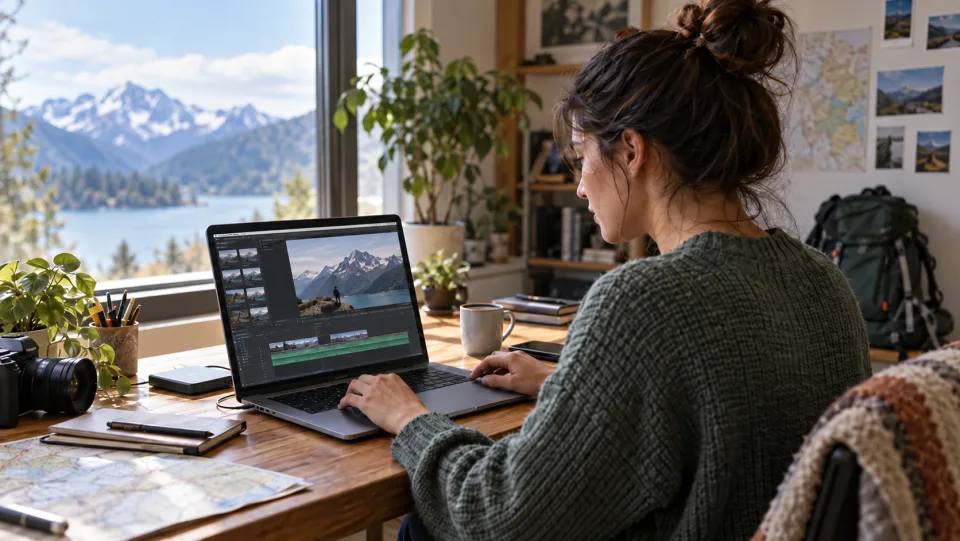
A creator editing a mountain video on a laptop.Creators

Prepare a Sharper Upload

Give a selected vlog, tutorial or short video a clearer final export.

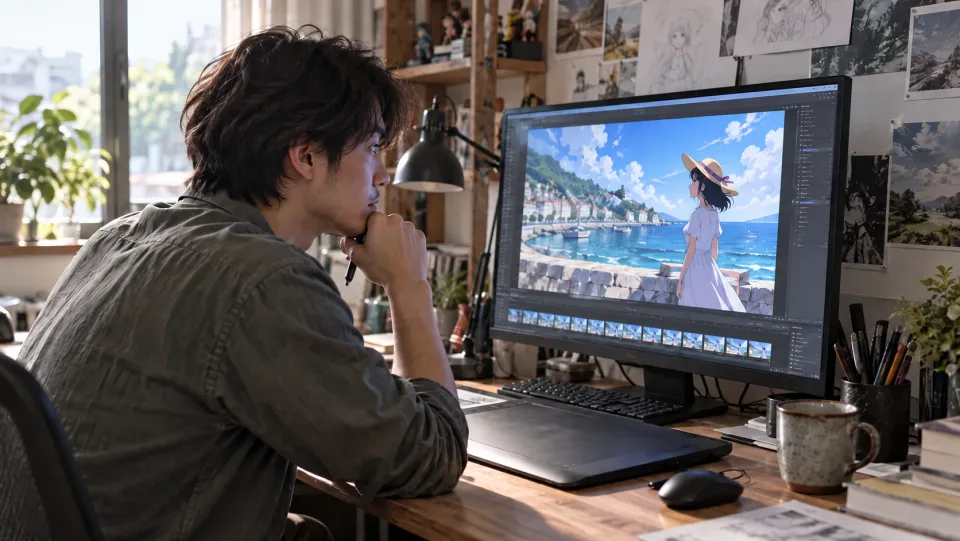
An anime editor reviewing a coastal scene on a monitor.Animation Editors

Inspect Lines at Delivery Size

Review outlines and faces in an enhanced anime clip before adding it to the final edit.

A product video creator reviewing a ceramic cup shoot.Marketing Teams

Finish a Product Video

Prepare a selected product take for its delivery resolution and inspect packaging and fine surface detail.

A teacher recording a geometry lesson at her desk.Educators

Prepare a Lesson Recording

Improve the presentation of a selected teaching clip and check small details before publishing.

How to Use AI Video Upscaler

  1. 1

    Add Your Source Video

    Upload a supported video or select a clip from your creations.

  2. 2

    Choose the Output Size

    Select an available 1080p, 2K or 4K tier and review the estimated credits.

  3. 3

    Upscale and Download

    Generate the enhanced clip, compare the complete result, and download the version you want.

AI Video Upscaler FAQs

How is upscaling different from resizing?

Resizing expands the existing pixels. AI upscaling also estimates finer visual structure, which can improve apparent sharpness but does not recover missing detail with certainty.

Which resolution should I choose?

Choose the tier that matches your delivery needs. The form shows available sizes and preserves the source aspect ratio; 2K uses the 1440p tier.

Can I upscale an AI-generated video?

Yes. Select the clip you want to keep and upload it or choose it from your creations.

Will it change the story or style of my clip?

This workflow enhances an existing sequence rather than asking for a new style or scene. Use Video to Video when you want a creative transformation.

How much does it cost on Veo3?

Check the credit estimate in the tool before you generate. The selected model and available settings determine the cost. Your existing Veo3 account and credit balance apply.

Do I need to install any software?

No. Upload your source or enter your instructions in the browser, generate online, and download the result from your history.

View Veo3 pricing →

Give Your Final Clip a Clearer Finish

Start with your next idea, review the generated result, and bring the version you prefer into your project.

Upscale Your Video